
In Stock
- 699 грн.
-
Your savings:
200 грн. - Old price: 899 грн.
Your shopping cart is empty!
Module version
Installation
Compatibility
PHP version
License
Your savings:
200 грн.
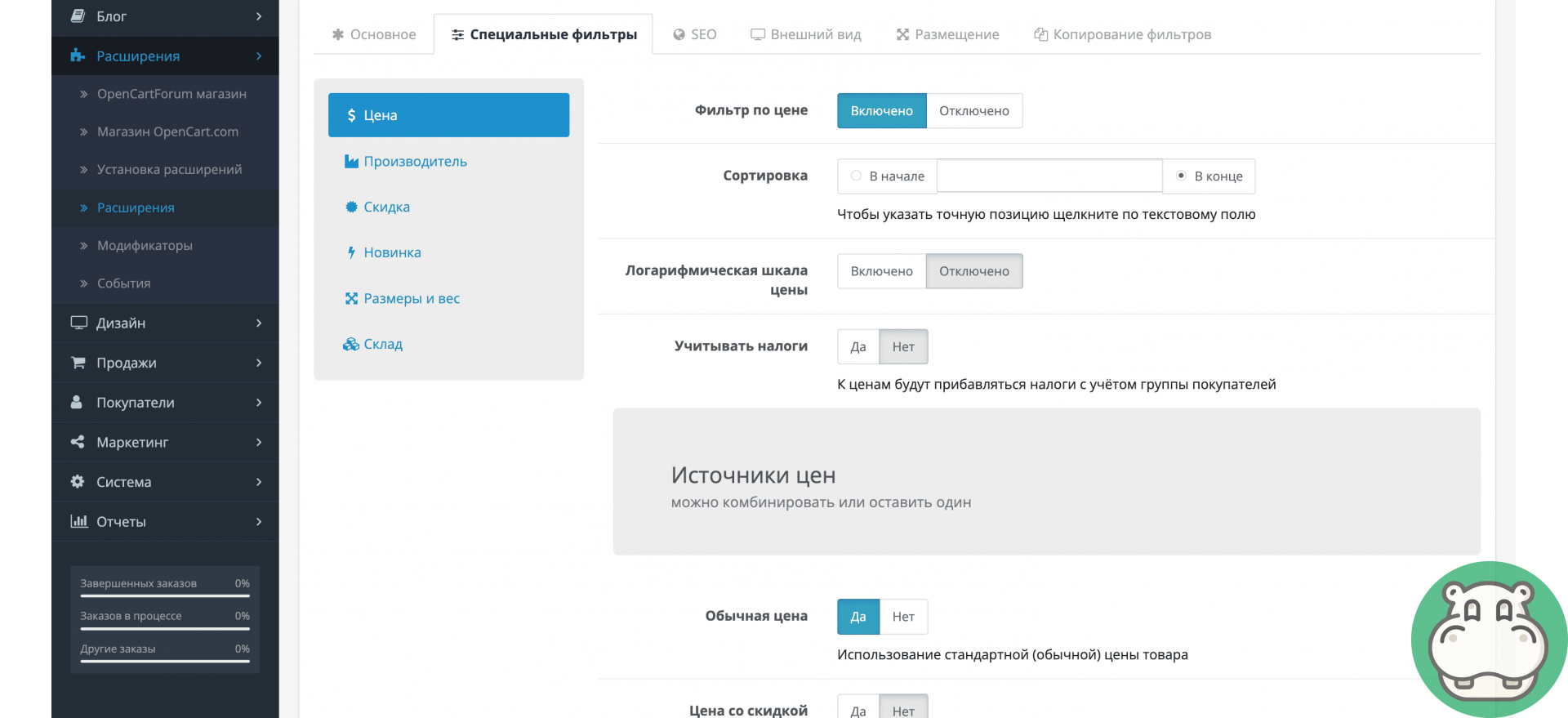
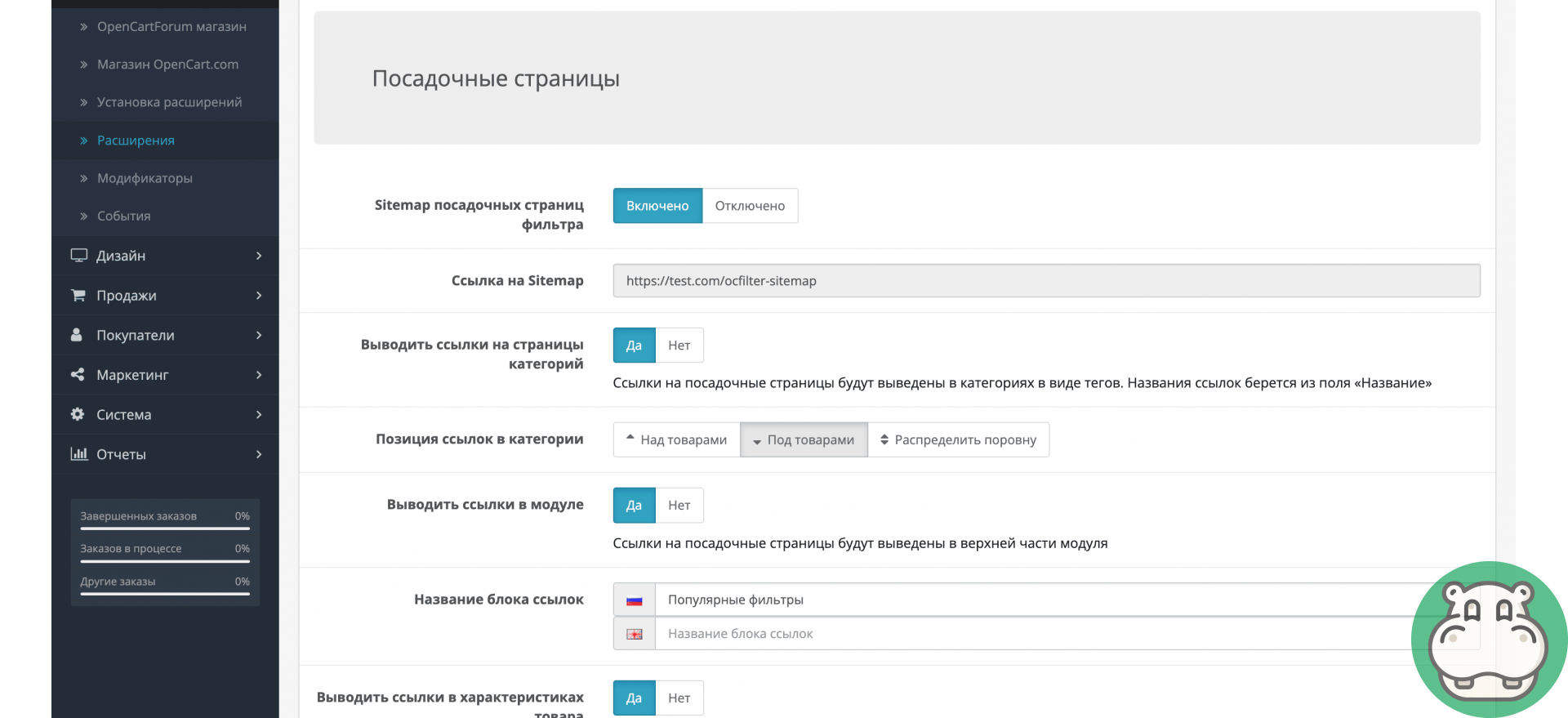
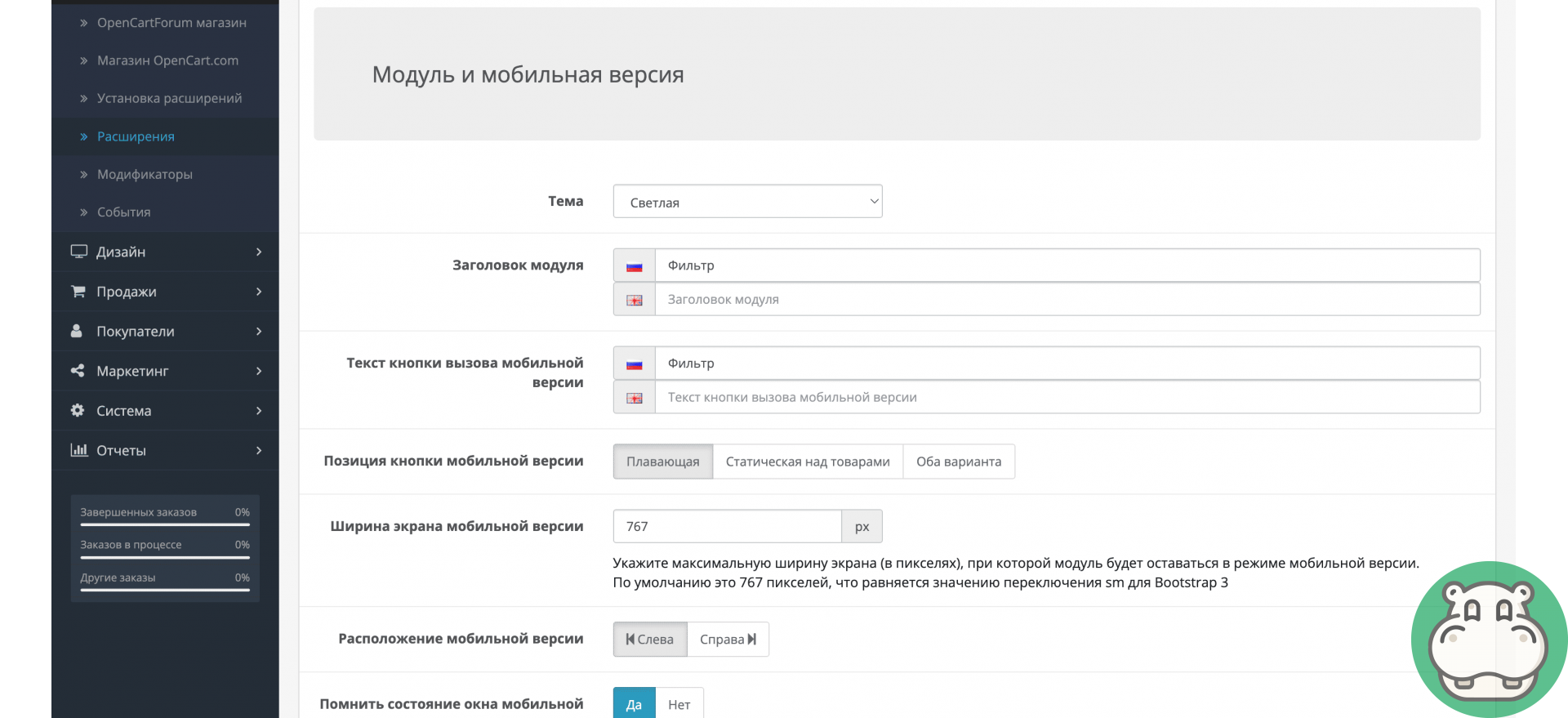
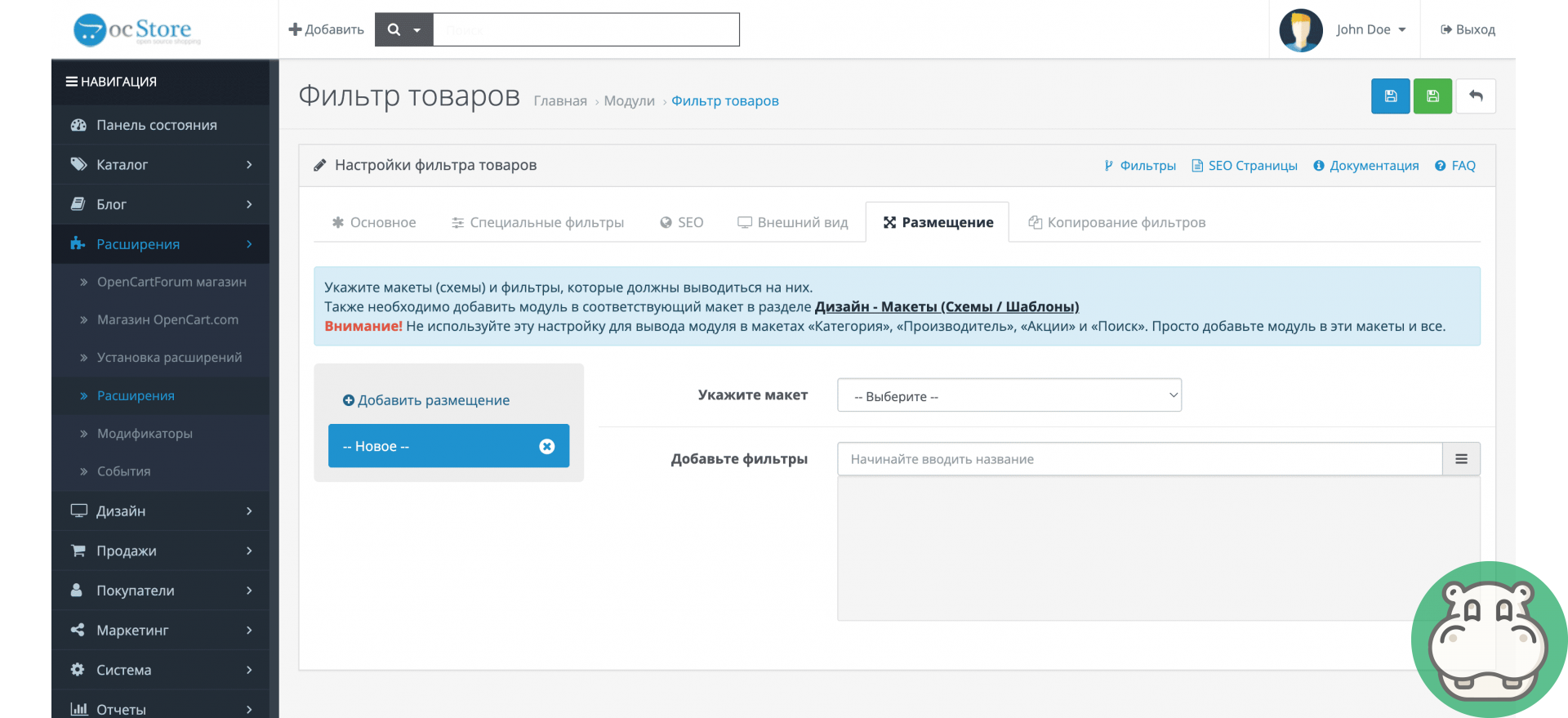
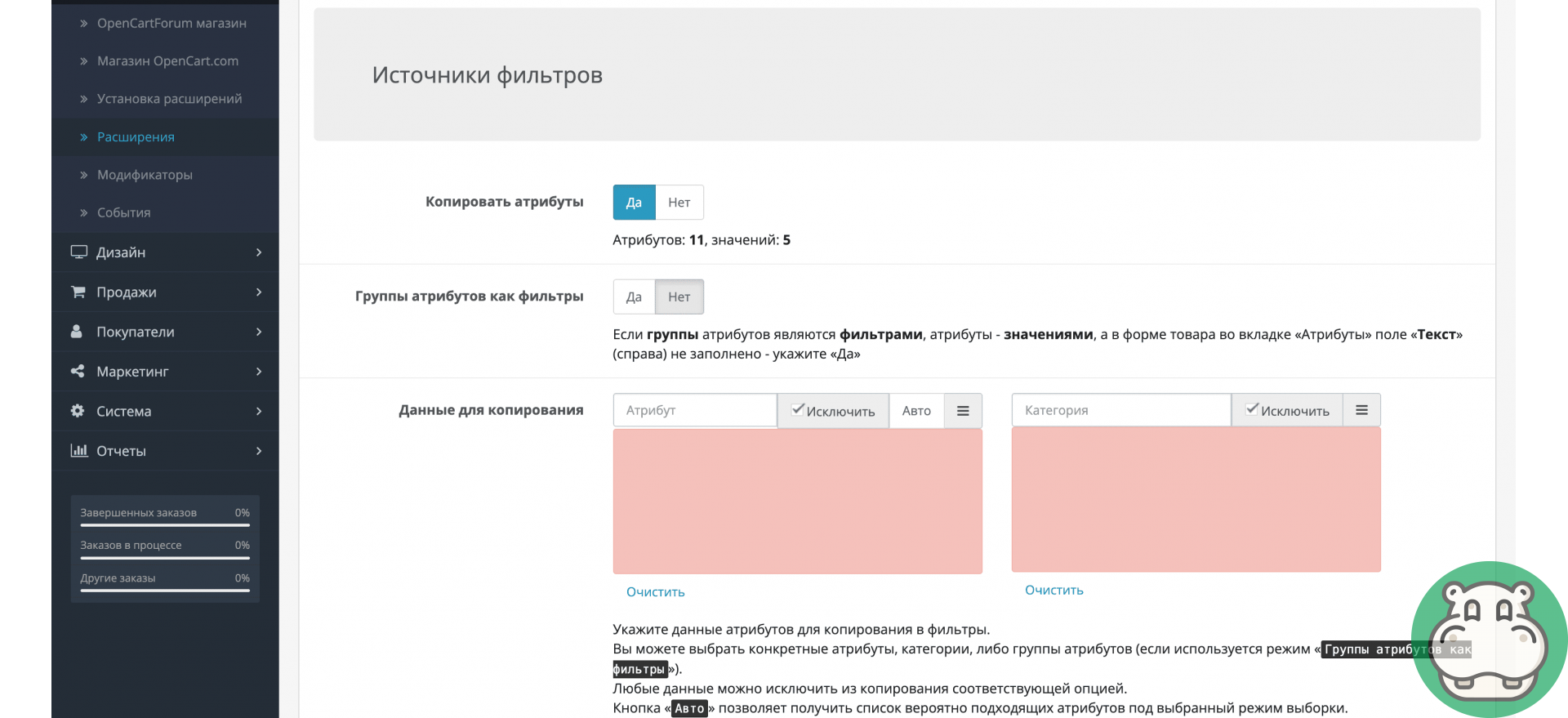
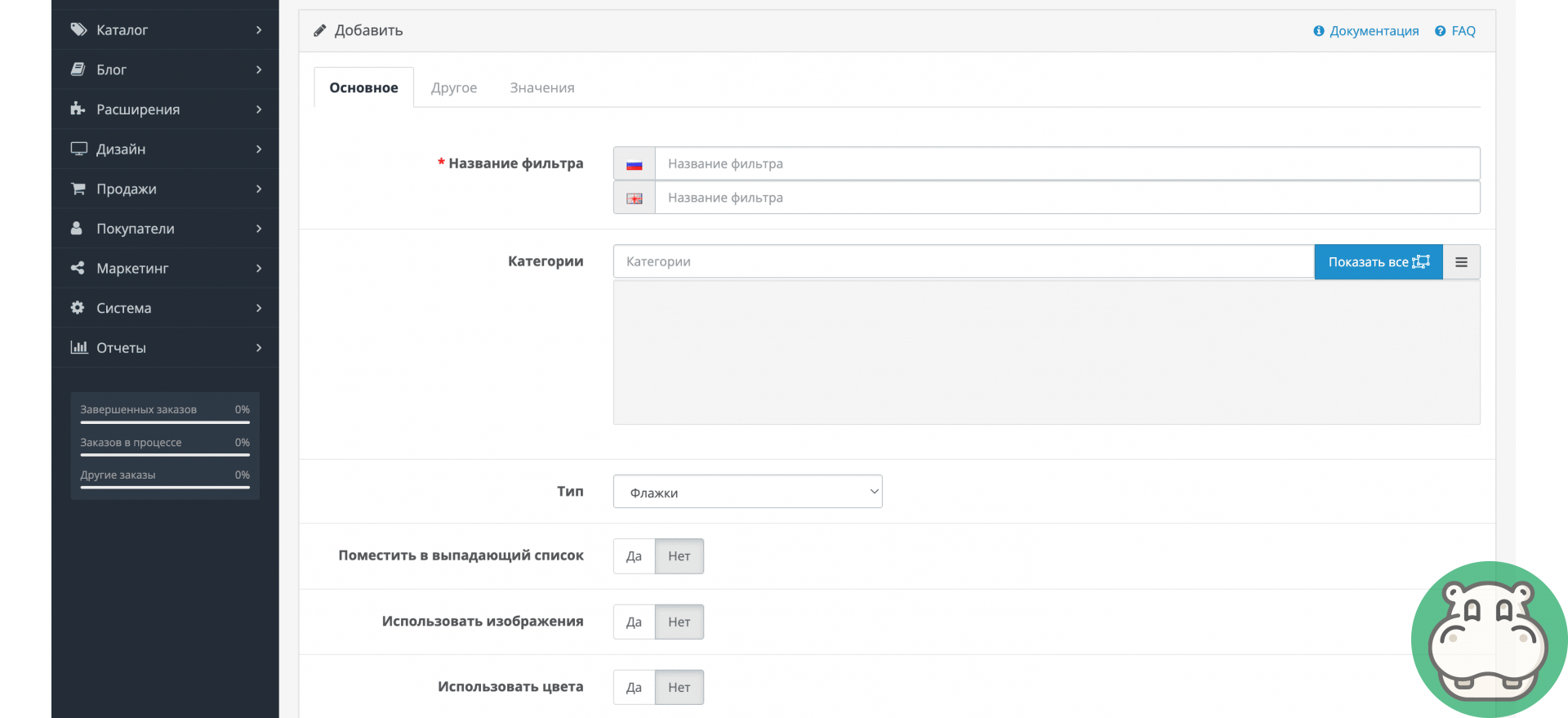
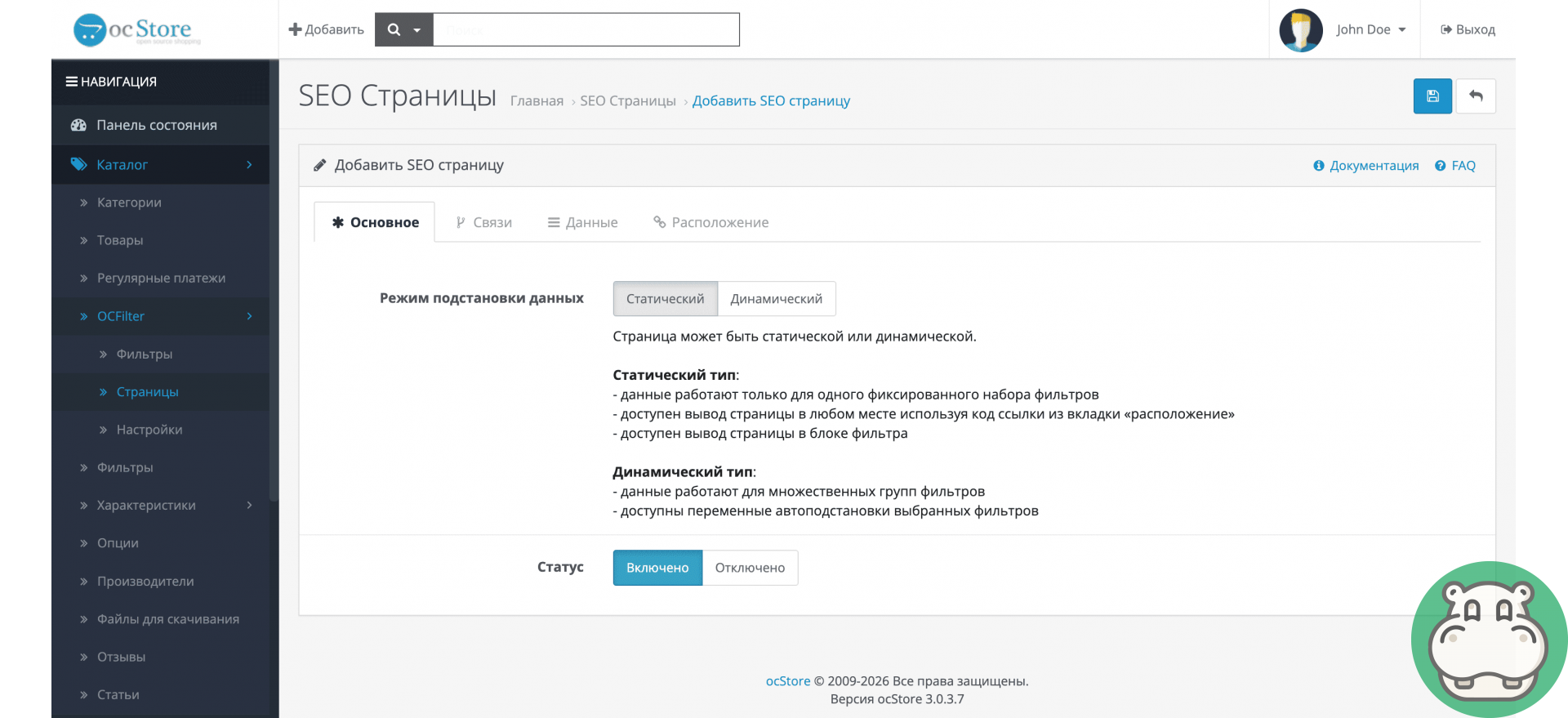
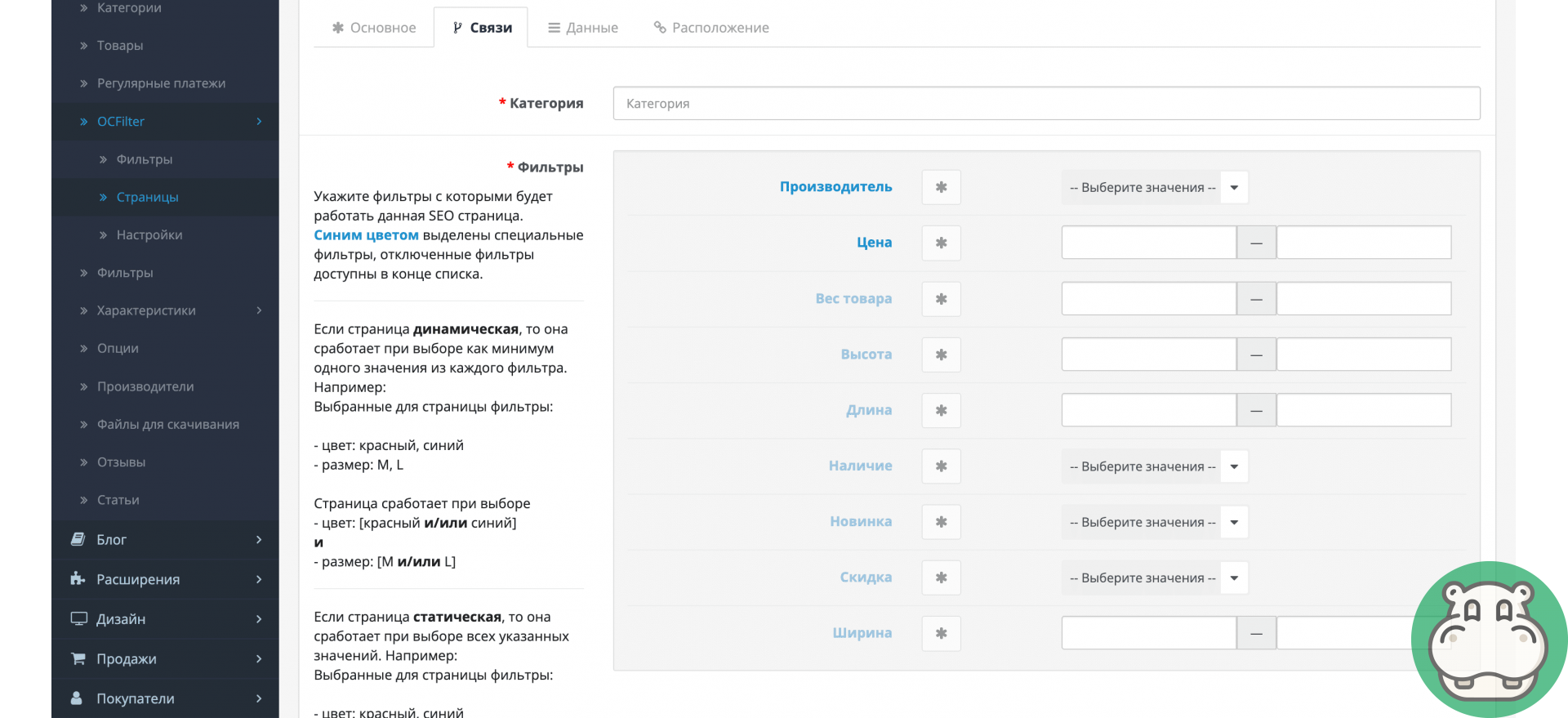
A modern online store is unimaginable without a convenient product filter. It helps customers quickly find the items they need, reduces bounce rates, increases page views, and builds customer loyalty. SEO filtering also attracts targeted traffic based on precise product characteristics.
Quick search
Optimized algorithms instantly display products based on selected parameters.
Works on all pages
The filter is available in categories, search, brands, promotions, and on any product pages.
Full compatibility
OCFilter works correctly with templates and other OpenCart modules without conflicts.
SEO optimization
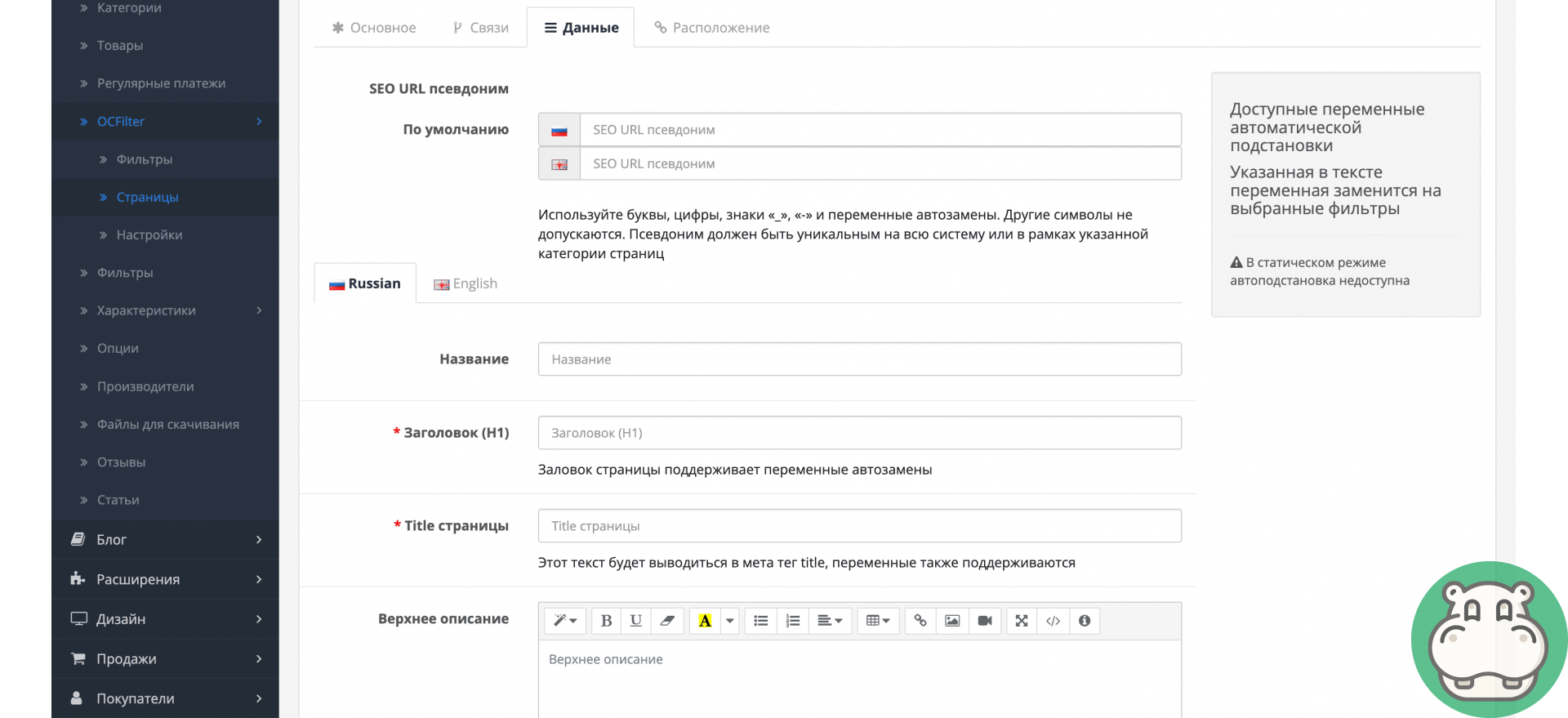
We create SEO landing pages for popular filters with unique descriptions and metadata.
Flexible filtering
Filter by price, discounts, manufacturers, attributes, options, weight, dimensions, and other parameters. Numeric values can be displayed as convenient sliders.
Responsive design
Fully optimized for mobile devices: gesture support, large controls, modern, universal design.
High performance
Effective caching and stable operation even with a large product catalog.
Convenient control
Simple and clear settings in the OpenCart admin panel.
Clean code
Does not replace OpenCart system files, no encryption, completely open source.
| Requirements and indications | |
| Module version | 8.8.2.2 |
| Installation | Via the admin panel (ocmod.zip) |
| Compatibility | 2.0, 2.1, 2.2, 2.3, 3.0 |
| PHP version | 5.6-7.4 |
| License | For each of your sites |
| Author | Begemod.com |
| Localization | Ukrainian, Russian, English |
You will receive 20 points for your review By leaving a review, you help others learn more about this add-on
Installation cost:
299 грн. Sometimes the price may increase due to installation conditions and the condition of your site.Request processing usually takes up to 30 minutes.
Why do you need a product filter in an online store?
On which pages does the product filter work?
What filtering capabilities does the module support?
How does a filter affect an online store's SEO?
After installation "Product Filter (with Generation and SEO) for OpenCart" Error 500 (Internal Server Error!) appeared
Error 500 is due to problems with the php code on your site. To fix it, you first need to enable error output. To do this, do:
php_flag display_errors on
php_value error_reporting -1
This directory is not writable!
If this message appears when installing the module through the admin panel, then you do not have the fix for FTP (Localcopy) installed:
FTP must be enabled in settings!
This error appears when installing the module through the admin panel only on Opencart 2. You need to install the localcopy.ocmod.xml fix and enable FTP:
In this way, installing extensions through the admin panel will work, and data from FTP will be hidden from outsiders.
After installing the module, it is not listed in the admin panel
In this case, there may be several problems:
You see the location of the module title heading_title
This is because the language of your site differs from the translations in the module itself (most likely your admin panel is in Ukrainian, but this translation is missing in the module). What needs to be done?
Invalid file type!
Only modules in the archive ending in ocmid.zip can be installed through the admin panel.
With a 95% probability, you are installing a regular archive with files that need to be uploaded via FTP (instructions on how to do this are also above on this page).
The "Title" modifier already uses the unique ID code that you are trying to load!
You are installing a module or modifier that is already on your site. Check this fact carefully.
The upload folder in the module archive is empty
This is normal, it means that files are not required for this module to work. The entire function is performed by the modifier (install.xml)
Contacts
You can contact our instant messengers or email from 09:00 to 20:00 (Mon-Sat).Why do you need to join our chat?
 Begemod.com