• About the module
  • Screenshots
  • Description
  • Files
  • Consultation and technical support
  • Characteristics
  • Reviews (0)
  • Install
  • Questions - answers

Download OpenСart (official distribution)

0 reviews

Installation

По FTP

Compatibility

2.3, 3.0, 4.0

PHP version

5.6+

License

Without activation

Localization

Russian, English
Download OpenСart (official distribution)
In Stock
  • Free
Установка дополнения

Если вам нужно установить это дополнение на сайт, пожалуйста, обращайтесь к нам за услугой установки модуля.

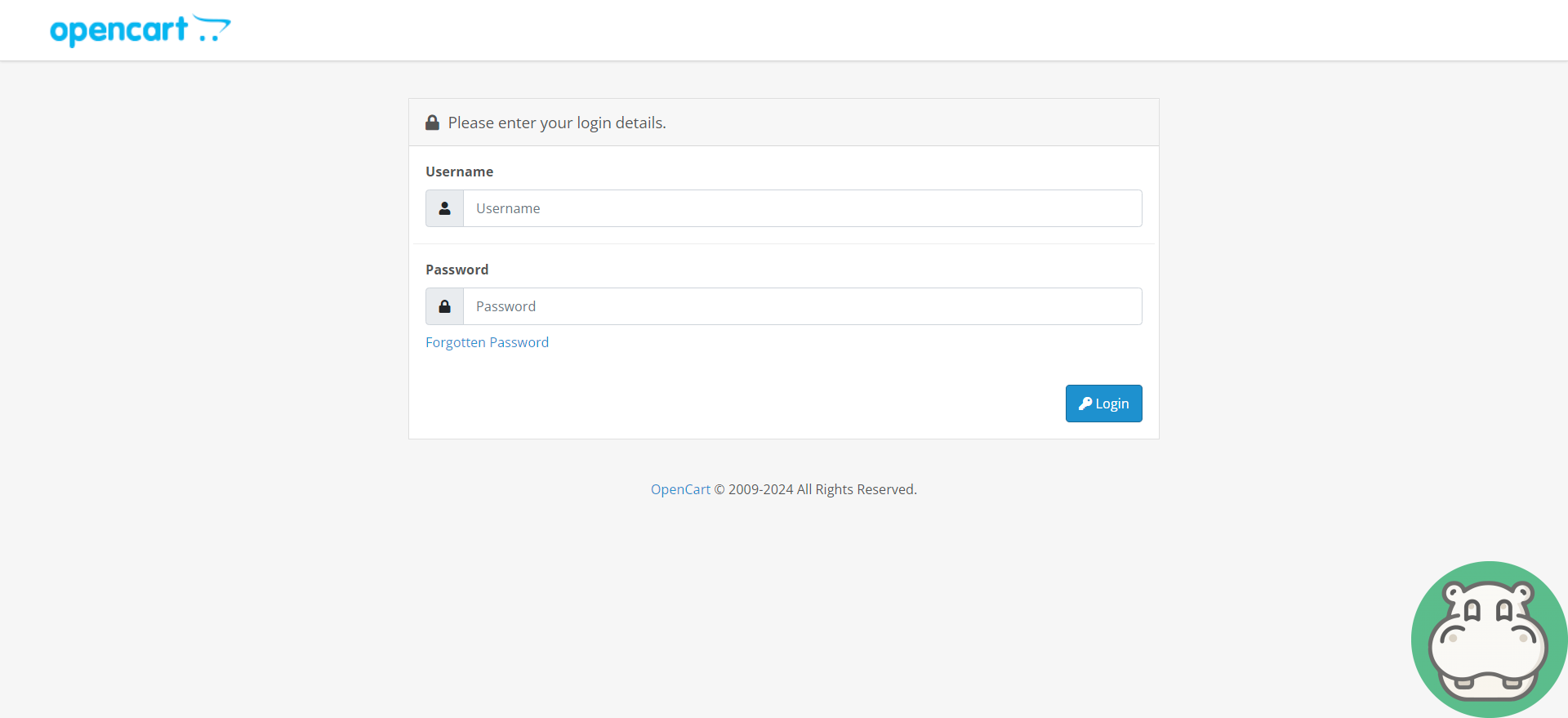
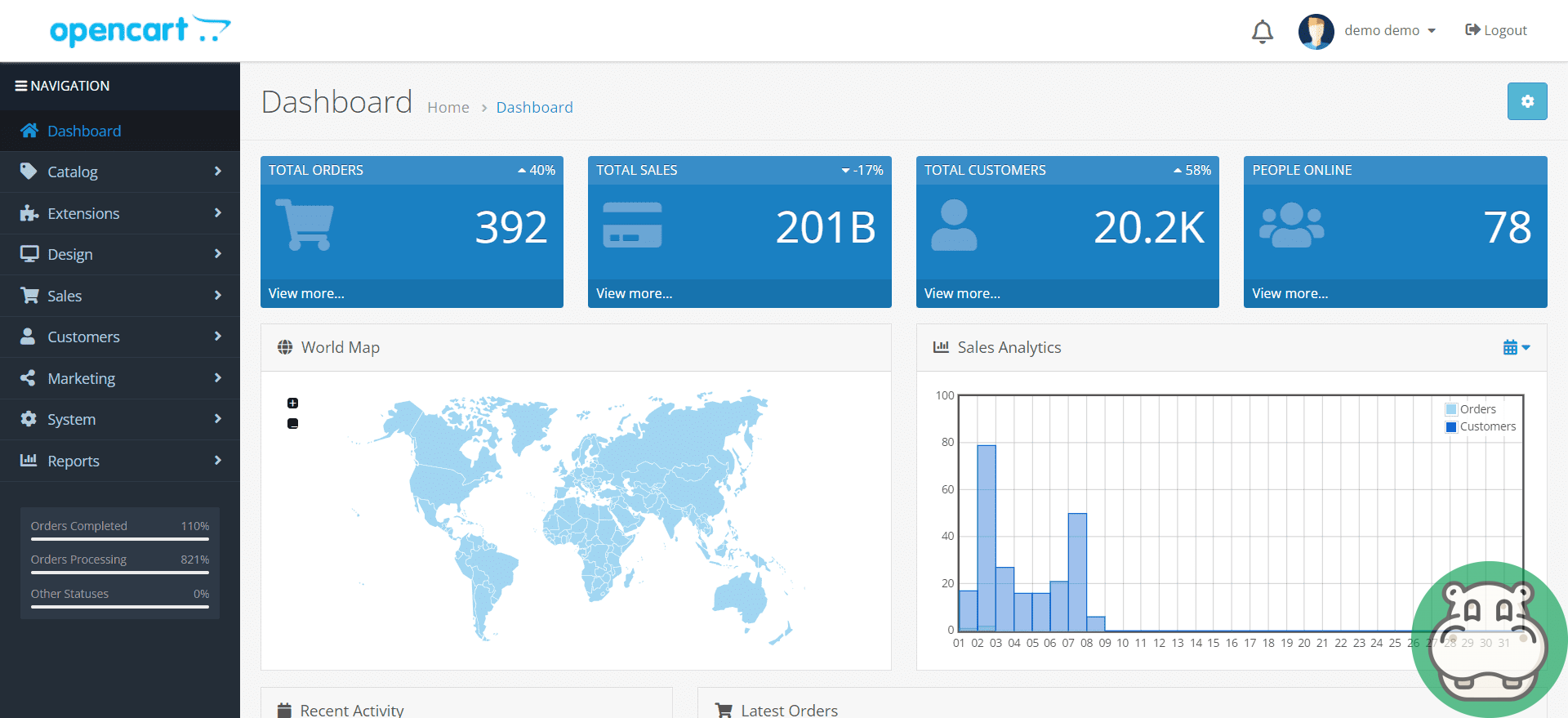
Screenshots

Download OpenСart (official distribution)
*** Внешний вид может немного отличаться от того, что на скриншотах ***

Description

Opencart is a popular content management system for online stores that provides a simple and effective way to create an online presence to sell products and services. Since its launch in 2008, Opencart has gained significant popularity due to its flexibility, extensibility and ease of use.

Key features of Opencart:
  1. Easy to install and use. Opencart takes just a few minutes to install, and its easy-to-use interface makes it accessible to those new to creating online stores. The user interface is intuitive, making it easy to add products, manage orders, and more.
  2. Rich possibilities. Opencart offers a wide range of features including product, category, order, payment and delivery management. It is possible to configure taxes, currencies and languages depending on the region of your business.
  3. Wide selection of themes and extensions. There is a huge community of developers creating themes and extensions for Opencart, allowing you to customize your online store according to your needs and preferences. You can easily find and install various modules to expand the functionality of your store.
  4. SEO optimization. Opencart has integrated SEO tools that help you optimize your store for search engines. This includes the ability to customize meta tags, URLs, and other parameters to make your store more discoverable in search engines.
  5. Multilingual and multicurrency. Opencart supports multilingualism and multicurrency, making it an ideal solution for stores with international ambitions. You can easily add new languages and currencies to attract more customers from all over the world.
  6. Safety. Like any other e-commerce platform, security is a key aspect of Opencart. Regular security updates help protect your store from potential threats, and there are various extensions and security practices you can use for added protection.
  7. Community support. Opencart has an active community of users and developers where you can get help, support and advice. Forums, blogs and documentation will help you understand any questions or problems you may encounter while using the platform.

Overall, Opencart is a powerful solution for creating and managing an online store. Its ease of use, rich functionality, and community support make it an attractive choice for many entrepreneurs looking to start their online business.

Consultation and technical support

You can contact our instant messengers or email from 09:00 to 20:00 (Mon-Sat).

Our messengers:

Specification

Requirements and indications
Installation По FTP
Compatibility 2.3, 3.0, 4.0
PHP version 5.6+
License Without activation
Localization Russian, English

Reviews (0)

Write a review

Please rate:

You will receive 20 points for your review By leaving a review, you help others learn more about this add-on

Install

Install via admin panel

  1. Download the ***.ocmod.zip file after purchasing it from Begemod.com.
  2. In the admin panel, find the item "Extensions", then "Installing extensions", or "Modules", "Installing modifiers" ;
  3. Click the blue button labeled "Download";
  4. Select a pre-downloaded file (make sure it matches your Opencart version);
  5. After you see the message “Successfully installed” go to the “Add-on Manager” or “Modifiers” page and click the “Update” button (blue button, in the upper right corner); li>
  6. Additionally, do not forget to grant administrator rights (check the box in the administrators group).

Install via FTP

  1. After purchasing the add-on, download the archive with the module in your personal account;
  2. The archive usually contains: other archives, folders, text files with important information;
  3. Your task is to select the correct files in the main archive for your CMS version and Php version;
  4. Upload them to the root of the site (the structure of the files to be downloaded must match the structure of the site folder);
  5. Go to the "Add-on Manager" or "Modifiers" and click the "Update" button (blue, in the upper right corner);
  6. Check the boxes for administrator rights.

Installation by our specialists

Please confirm that you are not a robot!

Check

Installation cost:

299 грн. Sometimes the price may increase due to installation conditions and the condition of your site.

Request processing usually takes up to 30 minutes.

Questions - answers

After installation "Download OpenСart (official distribution)" Error 500 (Internal Server Error!) appeared

Error 500 is due to problems with the php code on your site. To fix it, you first need to enable error output. To do this, do:


  1. In the admin panel, go to SystemToolsError Log. Errors will be indicated there, but if there are none, then you need to enable their display SystemSettingsServerRecord errorsYes.
  2. The most reliable way to show errors in PHP code is to include error through the .htaccess file in the root of the site. At the very beginning of the file, add a few lines: php_flag display_errors on
    php_value error_reporting -1

This directory is not writable!

If this message appears when installing the module through the admin panel, then you do not have the fix for FTP (Localcopy) installed:


  1. Install the localcopy.ocmod.xml modifier by downloading it from us here;
  2. Update modifiers;
  3. Proceed to install the required module again.

FTP must be enabled in settings!

This error appears when installing the module through the admin panel only on Opencart 2. You need to install the localcopy.ocmod.xml fix and enable FTP:


  1. Enable FTP in the SystemSettingsFTP settings and fill the config with any data;
  2. Install the localcopy.ocmod.xml modifier by downloading it from us here;
  3. Update modifiers;
  4. Proceed to install the required module again.

In this way, installing extensions through the admin panel will work, and data from FTP will be hidden from outsiders.

After installing the module, it is not listed in the admin panel

In this case, there may be several problems:


  1. Uploaded files to the wrong place;
  2. Your folder "Admin" has been renamed;
  3. The localization of the module and your site are different (in this case, the module name will be: heading_title)
  4. The files have not been downloaded;
  5. You are tired and do not see the module;

You see the location of the module title heading_title

This is because the language of your site differs from the translations in the module itself (most likely your admin panel is in Ukrainian, but this translation is missing in the module). What needs to be done?


  1. Upload the translation from the archive with the module (admin/language/en-gb or ru-ru) into the localization code that is active on your site (admin/language/uk- ua, for example);

Invalid file type!

Only modules in the archive ending in ocmid.zip can be installed through the admin panel.

With a 95% probability, you are installing a regular archive with files that need to be uploaded via FTP (instructions on how to do this are also above on this page).

The "Title" modifier already uses the unique ID code that you are trying to load!

You are installing a module or modifier that is already on your site. Check this fact carefully.

The upload folder in the module archive is empty

This is normal, it means that files are not required for this module to work. The entire function is performed by the modifier (install.xml)

Contacts

You can contact our instant messengers or email from 09:00 to 20:00 (Mon-Sat).

Our messengers

Technical support and consultation - free. Improvements to the site, adaptation of modules - on a paid basis.
Begemod.com

Why do you need to join our chat?