In Stock
- Free
Your shopping cart is empty!
The modifier adds a dark ? theme to the admin panel. The light ? will also remain available
Module version
Installation
Compatibility
PHP version
License
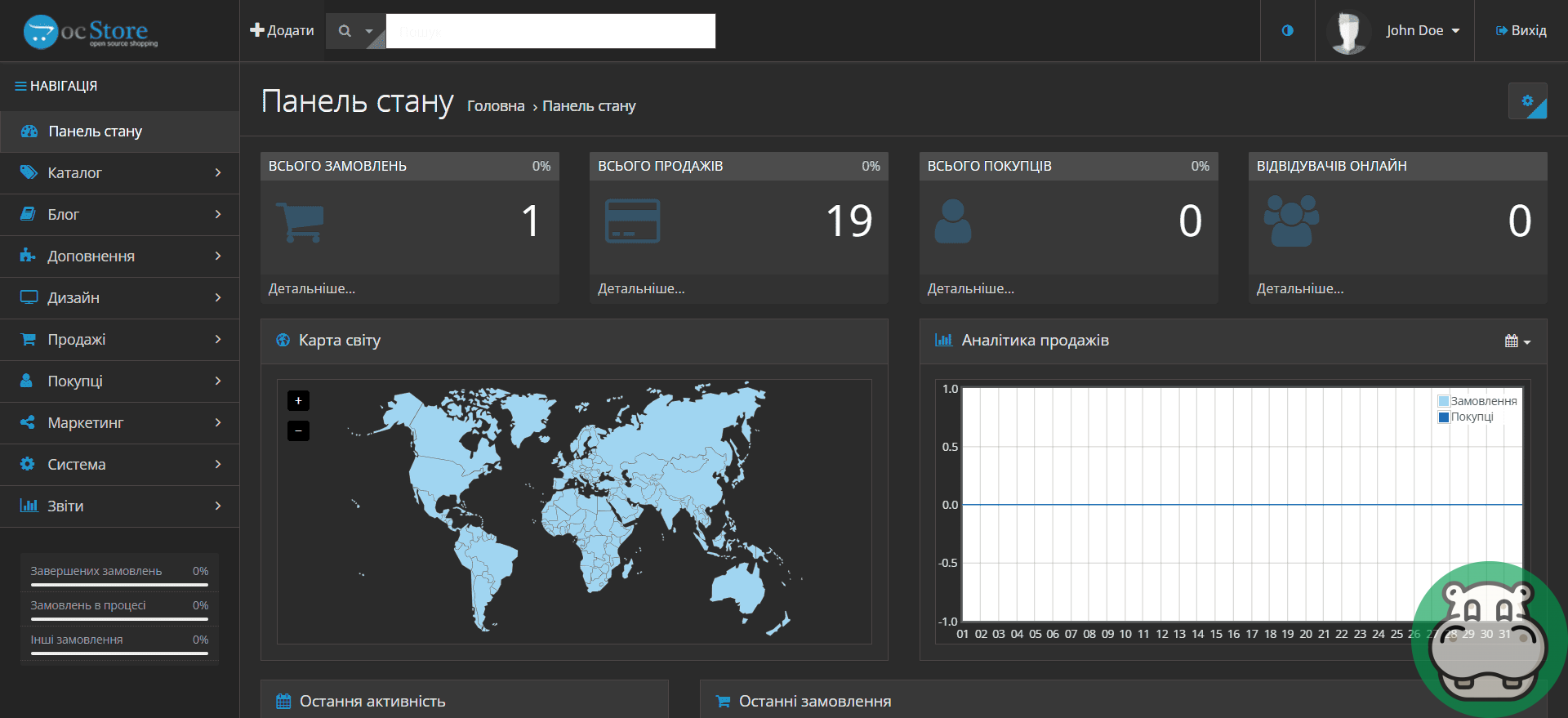
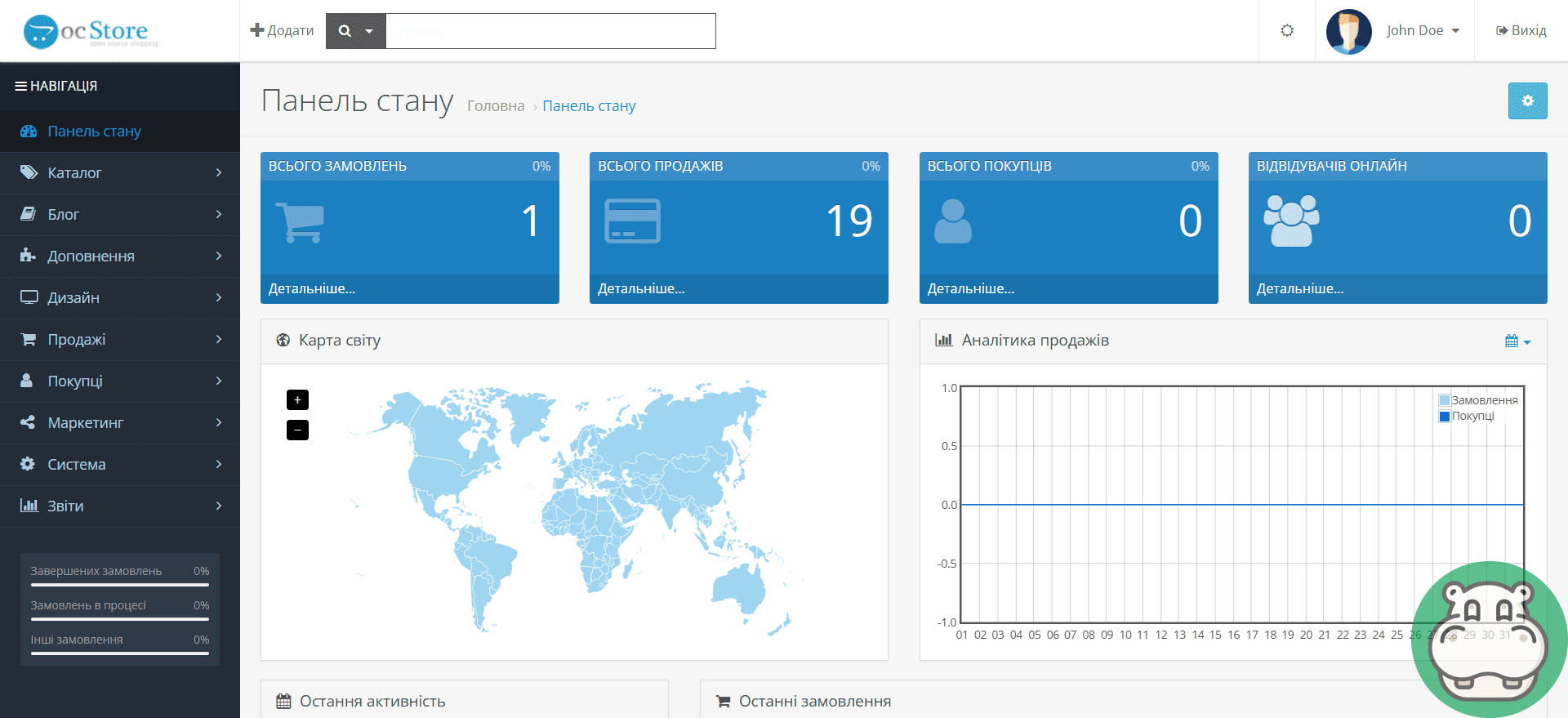
Dark themes are becoming increasingly popular because they are good for your eyes when you use a site late at night or early in the morning.
Let's fix the OpenCart admin panel and add a dark theme, which is not there by default!
After installing the modifier, you will have a dark theme activated. The light theme will also remain available.
The color scheme switch is located at the top, next to the administrator's photo.
| Requirements and indications | |
| Module version | 1.0 |
| Installation | Via the admin panel (ocmod.zip) |
| Compatibility | 2.0, 2.1, 2.2, 2.3, 3.0 |
| PHP version | 5.6-8.2 |
| License | For each of your sites |
| Author | Begemod.com |
| Localization | Ukrainian, Russian, English |
You will receive 20 points for your review By leaving a review, you help others learn more about this add-on
Installation cost:
299 грн. Sometimes the price may increase due to installation conditions and the condition of your site.Request processing usually takes up to 30 minutes.
After installation "Dark theme for admin panel" Error 500 (Internal Server Error!) appeared
Error 500 is due to problems with the php code on your site. To fix it, you first need to enable error output. To do this, do:
php_flag display_errors on
php_value error_reporting -1
This directory is not writable!
If this message appears when installing the module through the admin panel, then you do not have the fix for FTP (Localcopy) installed:
FTP must be enabled in settings!
This error appears when installing the module through the admin panel only on Opencart 2. You need to install the localcopy.ocmod.xml fix and enable FTP:
In this way, installing extensions through the admin panel will work, and data from FTP will be hidden from outsiders.
After installing the module, it is not listed in the admin panel
In this case, there may be several problems:
You see the location of the module title heading_title
This is because the language of your site differs from the translations in the module itself (most likely your admin panel is in Ukrainian, but this translation is missing in the module). What needs to be done?
Invalid file type!
Only modules in the archive ending in ocmid.zip can be installed through the admin panel.
With a 95% probability, you are installing a regular archive with files that need to be uploaded via FTP (instructions on how to do this are also above on this page).
The "Title" modifier already uses the unique ID code that you are trying to load!
You are installing a module or modifier that is already on your site. Check this fact carefully.
The upload folder in the module archive is empty
This is normal, it means that files are not required for this module to work. The entire function is performed by the modifier (install.xml)

Download will start in:
This window will no longer be shown for the next 24 hours.Contacts
You can contact our instant messengers or email from 09:00 to 20:00 (Mon-Sat).Why do you need to join our chat?
 Begemod.com